
TikTok Subtitle Generator
Upload a TikTok video and get its spoken words on screen as burned-in subtitles, timed to every syllable and placed clear of the action rail — free, no watermark, full quality out.
This is the transcription kind of caption: the text inside the video, generated from what is actually said. Upload a clip, correct a word or two, download the captioned MP4 and post it.
- Burned into the video
- Clear of the action rail
- No TikTok watermark
- Free
Caption Maker is live. Create a free account and caption your first TikTok in minutes.
Free to start. No credit card, no watermark on your exports.
Dashed line marks the zone TikTok leaves clear on every current layout.
Every edge of a TikTok belongs to TikTok
The app draws over three sides of your video: tabs and search across the top, your handle, description and sound credit along the bottom, and the action rail down the right. Subtitles that stray into any of it get covered on somebody’s phone.
Captions here are placed in the column TikTok leaves alone, at a size that stays readable against a busy background, with an outline heavy enough to survive a bright frame.
- Rail-safe by defaultText never runs under the like, comment, share or sound disc, even when a line is at its longest.
- Outlined for legibilityA hard outline behind bold type keeps white text readable over sky, skin tones and blown-out highlights alike.
- Burned in, so reposts keep itThe captions are part of the picture. Download the clip, stitch it, cross-post it — the text goes with it.
Grow Your YouTube, Instagram & TikTok With AI Subtitles
Auto-generate accurate, viral captions in seconds. Boost engagement and watch time across YouTube Shorts, Instagram Reels, and TikTok clips.

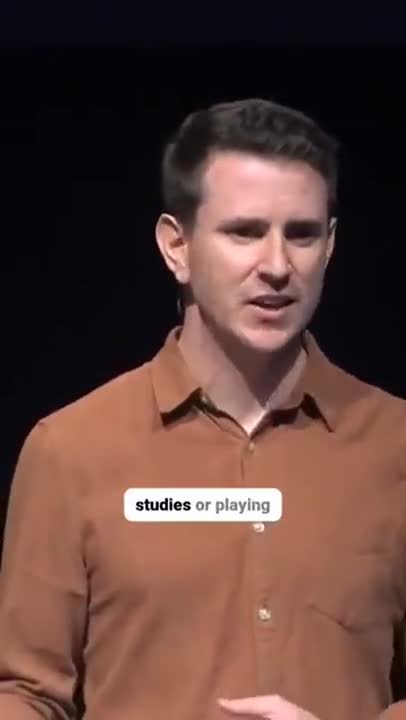

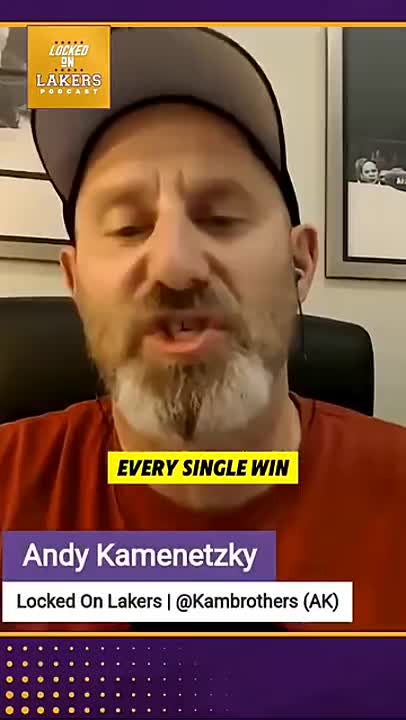
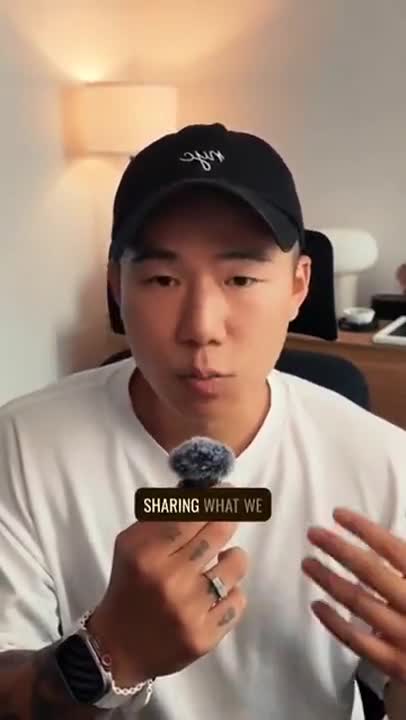
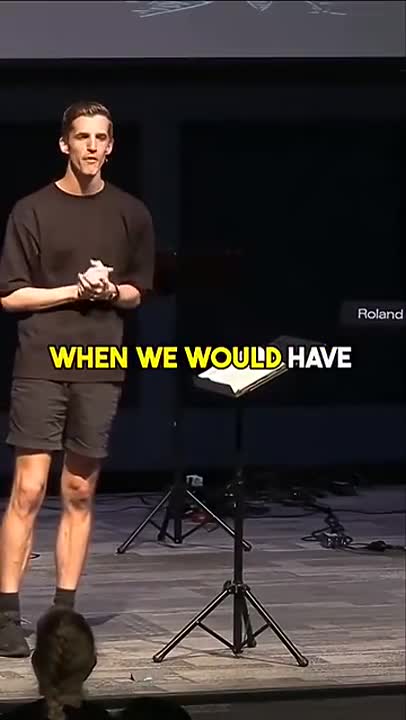
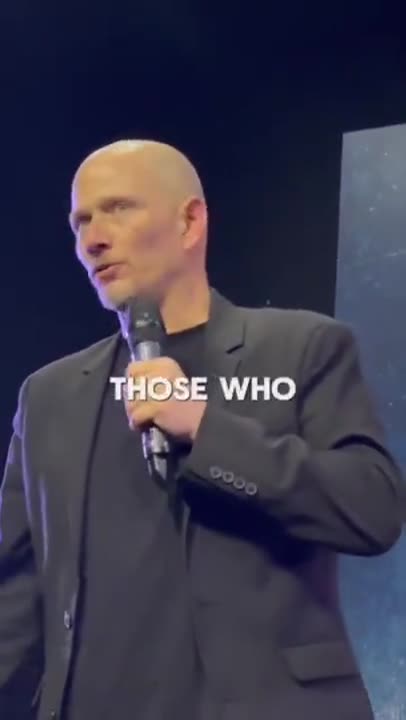
Built for the way TikTok is watched
Fast delivery, loud music beds, a busy interface and a scroll that never stops. An auto caption generator for TikTok has to hold up against all four.
Speech pulled out from under the music
A trending sound at full volume does not derail the transcript. Speech is separated from the bed first, so the words come back clean instead of half-guessed.
Keeps up with fast talking
Word-level timestamps mean captions change on the word, not a beat late — which is what makes a fast, punchy delivery still readable on screen.
Knows where the UI sits
Placement accounts for the tabs on top, the handle, description and sound credit at the bottom, and the full height of the right-hand action rail.
Fix the slang before it renders
Handles, product names, in-jokes and niche terms are where any transcriber slips. Search the transcript, correct once, and every cue updates.
No third-party watermark
Nothing is stamped on your frames. On TikTok that is not cosmetic — a visible logo from another app makes a post look recycled rather than original.
Post-ready file
Original resolution, original aspect ratio, captions composited in. Upload it to TikTok directly, or to Reels and Shorts without a second export.
How to add subtitles to a TikTok video
Add captions to TikTok before the video is posted, not after.
- 1
Upload your TikTok video
Drop in the vertical MP4 or MOV you are about to post — straight from CapCut, your editor or your camera roll. Nothing to crop, convert or compress first.
- 2
Transcribe and check the words
The subtitle generator pulls the speech out from under the music, timestamps every word and returns a punctuated transcript. Fix any handle, product name or bit of slang before it is rendered.
- 3
Style, place and export
Choose a caption look, keep it inside the safe zone away from the action rail, then download the MP4 with subtitles burned in and post it as normal.
Two things are called a TikTok caption. This page is the video one.
It is worth being precise, because the same phrase covers two completely different jobs.
One is the post description — the line of text with the hashtags that sits under the video in the feed. People write that themselves, or ask an AI to suggest something catchy, and most tools calling themselves a TikTok caption generator mean this one. This tool does not do it.
The other is the subtitles inside the video: the words being spoken, on screen, timed to the audio. That is what this page is for. You upload a video, the speech is transcribed and timed, and you download the same video with the text rendered into the picture.
If you landed here after searching for something to write your post description, this is not it — but if you have a video and want the spoken words on screen, you are in the right place and it takes about thirty seconds.
Why captioned TikToks hold attention longer
TikTok is a sound-on platform in reputation and a sound-off platform in practice. A large share of views happen muted — in bed, in class, at work, on a train — and the viewer never taps to unmute unless something on screen convinces them to.
Subtitles are what does the convincing. They deliver the hook in the first second to someone who cannot hear it, they let the joke land in text, and they keep a muted viewer watching long enough to reach the part that would make them turn the sound on.
They also change how the video performs with the people who can hear it. Fast delivery, an accent unfamiliar to part of your audience, a product name, a number, a punchline half-buried under music — all of it lands more reliably when it is also written. Watch time is the currency on TikTok, and the cheapest way to buy some is to stop making people work to follow along.
Muted views still convert
On-screen text carries the script to the large share of viewers who never unmute.
The hook survives the first second
A viewer decides almost immediately. Text lets your opening line arrive before any audio does.
Rewatches come easier
Dense or fast videos get rewatched when the words are legible, and rewatches are counted.
Comments quote the text
A line people can read is a line people can quote back, which is where a comment section starts.
Captioning before upload, versus TikTok auto captions in the app
TikTok auto captions inside the app are a reasonable option for a quick post. Where they fall down is control and reuse.
In-app captions come in TikTok house styling, with limited say over font, weight, outline and exact placement — so every video looks like every other video, which is the opposite of what a recognisable channel wants. Editing the text means fixing words on a phone screen, one tap at a time, instead of correcting a transcript on a keyboard.
The bigger issue is what happens next. Captions added inside TikTok live inside that post. If you cross-post the clip to Reels or Shorts, you either caption it again in each app or download your own post and re-upload it carrying the TikTok watermark — which both Instagram and YouTube demote.
Captioning the file first solves all of it at once. The subtitles are part of the video, the styling is yours, the transcript was corrected properly, and the same clean file posts to every platform.
The rest of your short-form stack
One transcription, every vertical feed you publish to.
Frequently Asked Questions
How subtitles for TikTok are placed, in-app captions, cross-posting and the watermark question.
Does this write captions for me, or transcribe my video?
It transcribes. You upload a TikTok video and it turns the spoken words into on-screen subtitles timed to the audio. It does not write a witty description or suggest hashtags for the post — this is the tool for the text that appears in the video itself.
Is the TikTok subtitle generator free, and is there a watermark?
Free, and no watermark. The export is your video at its original resolution with subtitles rendered in — no corner logo, no end card, and no export credits to buy. That matters more on TikTok than most places, because a visible third-party watermark reads as reposted content.
Why not use the captions feature inside the TikTok app?
TikTok in-app captions work, but they come out in TikTok's own style, they can only be edited inside the app, and the styling options are limited. Generating subtitles before you upload gives you your own font, colour, outline and placement, a transcript you can correct properly on a keyboard, and a file that already carries the captions if you cross-post it to Reels or Shorts.
Where should captions go so the TikTok interface does not cover them?
Keep them in the middle third of the frame. The right edge is the action rail — avatar, like, comment, bookmark, share and the spinning sound disc. The bottom carries your handle, the post description and the sound attribution, and the description can run to several lines. The top holds the For You and Following tabs and the search icon.
Can I use the same captioned video on Reels and Shorts?
Yes. All three are 9:16 muted-autoplay feeds with similar overlay zones, so a burned-in export placed inside the safe zone posts cleanly to all of them. Cross-posting a file that already has captions also avoids the platform watermarks you get from downloading a finished post.
Does it handle fast talking, music beds and slang?
Yes. The model separates speech from a music bed rather than transcribing over it, keeps up with fast delivery, and preserves casing and punctuation. Slang, brand names and in-jokes are exactly the kind of thing worth checking in the transcript before export, and you can fix any of it in a click.
What resolution do I get back?
The one you uploaded. A 1080x1920 clip returns as 1080x1920, uncropped and unpadded, so TikTok is not re-compressing an already-downscaled file.
Can I edit my captions before exporting?
Yes. Correct the transcript, adjust timings, choose a caption style and then export the finished video or a clean SRT or VTT file.
Do I need an account to use Caption Maker?
Caption Maker is live and free to start. Create an account with your email or your Google account, and you can upload, caption and export straight away.
Caption your first TikTok today
Caption Maker is live. Create a free account and export your first captioned TikTok today.
- No Credit Card Required
- GDPR Compliant
- Secure Upload